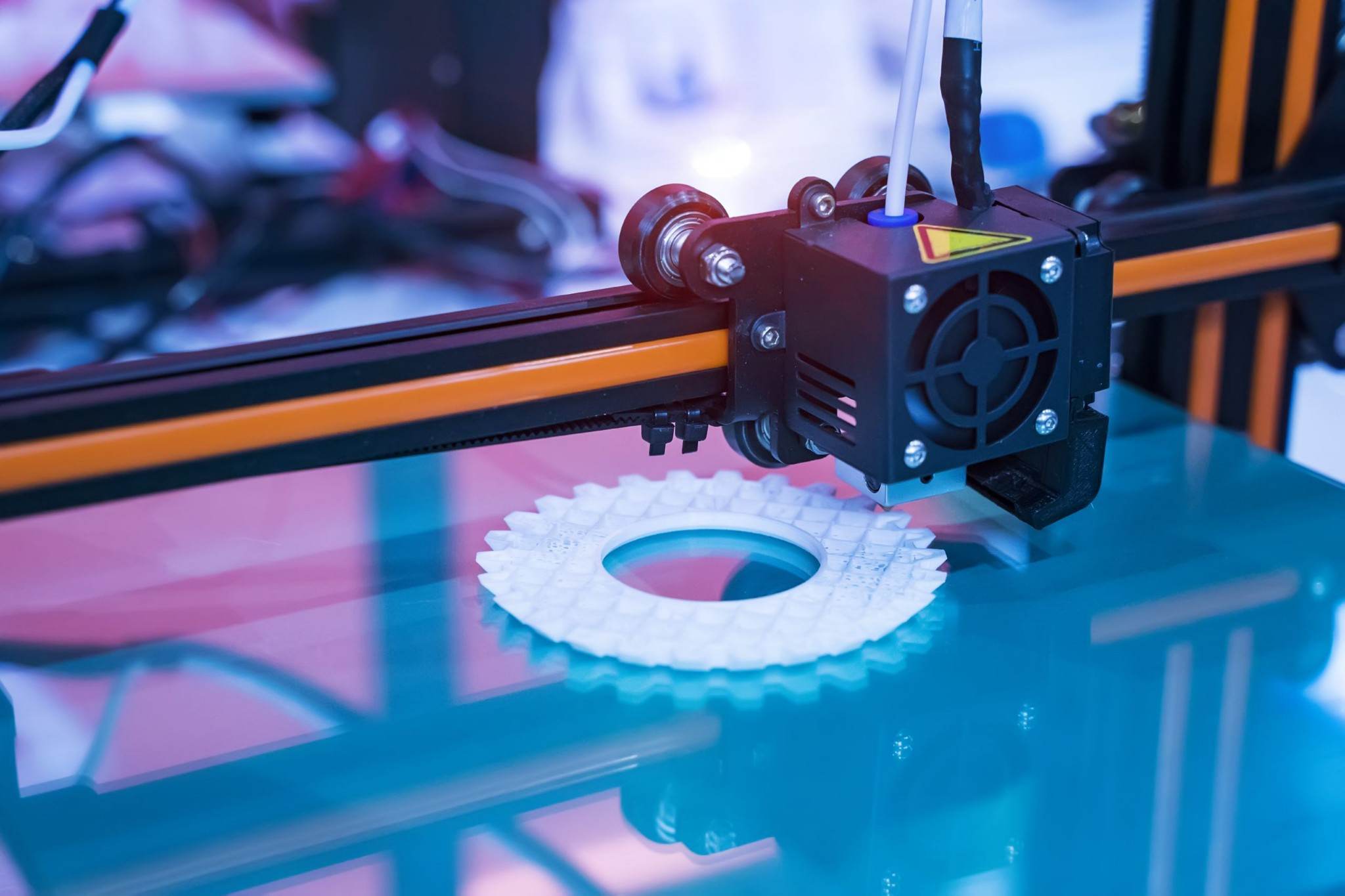

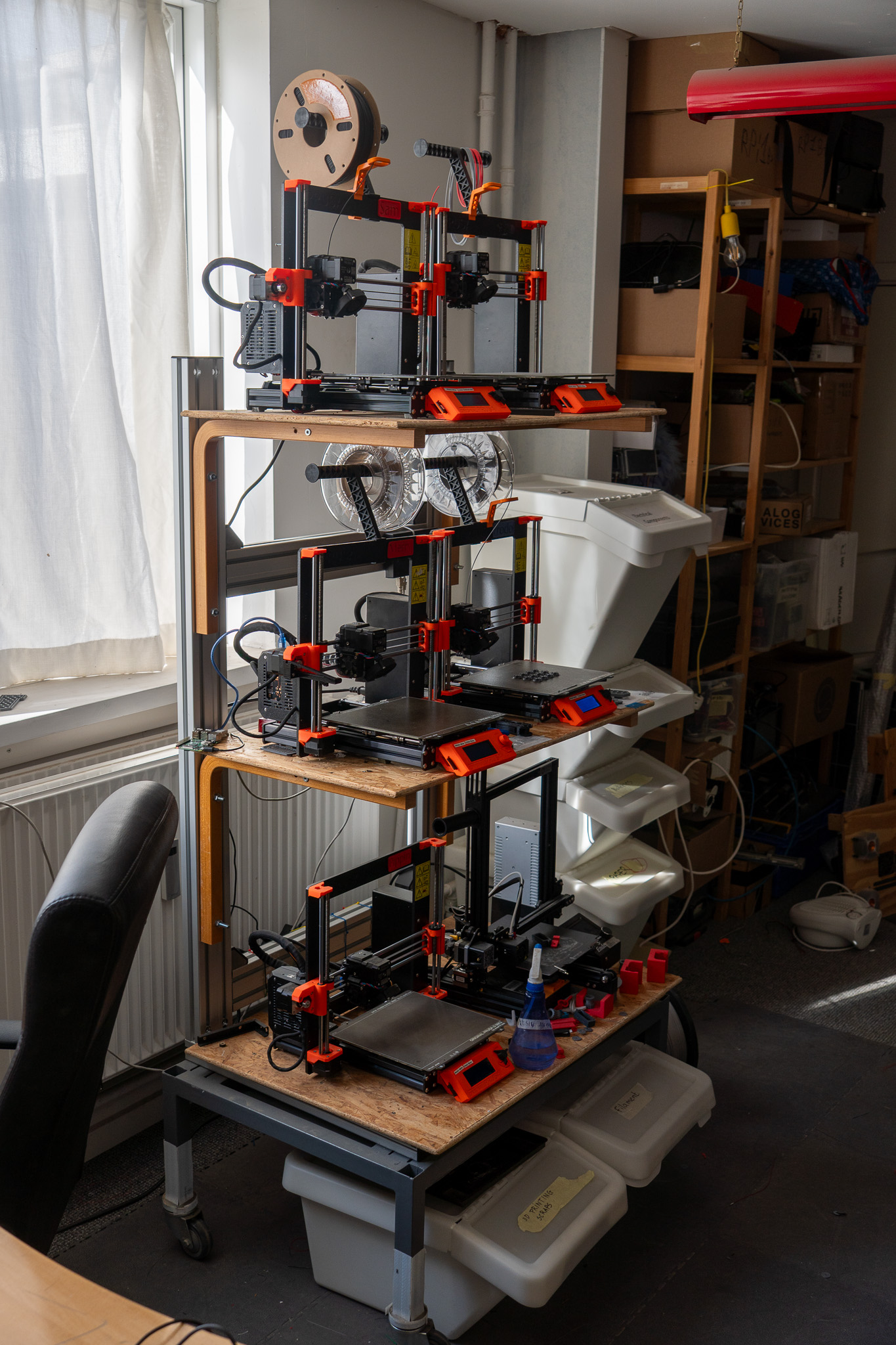
Workflow
- Prepare your model using slicing software (e.g., PrusaSlicer or Cura).
- Save the G-code to an SD card or upload via USB (depending on printer).
- Reserve and set up your printer.
- Monitor your print and clean up the workspace after use.
Additional Tools & Equipment
- Calipers and rulers for measurement
- Deburring tools and pliers for part cleanup
- Sandpaper and files for finishing
- Glue sticks and adhesives for bed adhesion support
Safety & Best Practices
- Never leave printers unattended for extended periods.
- Use ventilation when printing ABS or other strong-smelling filaments.
- Allow hotend and heated bed to cool before removing prints.
- Keep the lab tidy and report any printer issues to staff or experienced members.
Getting Started
New members can request an introduction to the 3D printing lab during open hours. This ensures you understand the workflow, material handling, and safety guidelines before using the equipment.